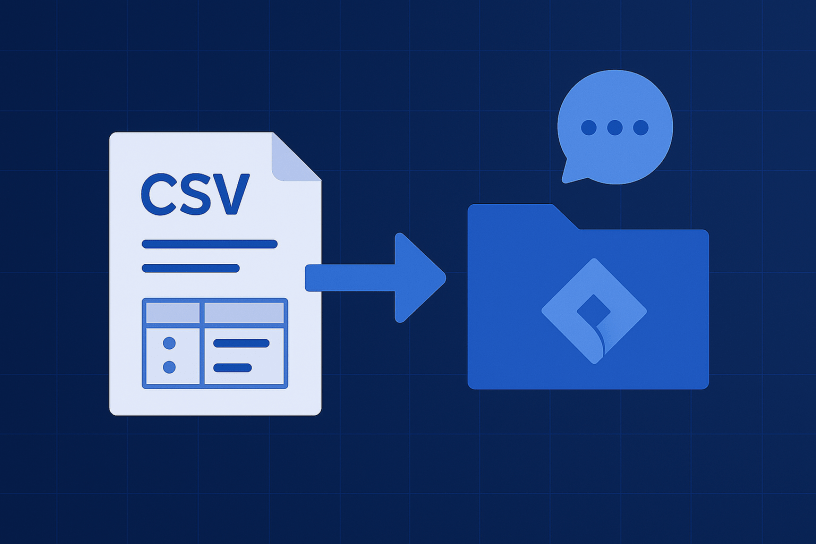
In this guide, I’ll walk you through the process and provide some valuable reminders to ensure a smooth import experience. Jira is a powerful project management tool, and knowing how to efficiently import data can save you a lot of time and effort.
Prerequisites
Before diving into the import process, there are a few prerequisites to consider:
- Internet Accessibility for Jira Server: To enable Jira Cloud to get attachments, your Jira Server needs to be reachable over the internet. If you encounter issues with this, there is an alternative solution involving downloading comments and attachments as a CSV file using this solution.
- Atlassian IP List: Make sure to check the IP list provided by Atlassian to ensure proper connectivity between your Jira instance and Atlassian’s cloud services. You can find the IP list at Atlassian IP Addresses and Domains.
- Avoid Spaces in Attachment Names: Remember that attachments cannot have spaces in their names, so ensure your CSV file adheres to this rule.
Field Mapping
Mapping your CSV data to the correct Jira fields is crucial. Some customers might have custom fields with the same name as system fields, so be cautious. Double-check the field mappings in your configuration files. Here’s an example of field mapping for the “Due Date” field:
"Due Date" : {
  "userChanged" : "true",
  "manualMapping" : "true",
  "existing.custom.field" : "12200"
}
And an alternative mapping:
"Due Date" : {
  "jira.field" : "duedate",
  "userChanged" : "false",
  "manualMapping" : "false"
}
Considerations and Tips
Here are some additional considerations and tips for a successful import:
- History (Change Logs): Keep in mind that only the data as it is will be migrated. Change logs and history won’t be carried over.
- Comments Authors: For some projects, it’s essential to migrate comments authors with account IDs rather than emails.
- Description Fields: Descriptions fields should not contain line breaks in your CSV.
- Mentions: While it’s possible to fix mentions using regex expressions, this might require more time to build a robust solution.
- Microsoft Excel: If you’re using Microsoft Excel, be cautious when editing date formats. Ensure that modifying date formats is the last step before saving and closing the document. Excel can automatically modify date formats when reopening files.
- Components: The “Components” field can be tricky. When searching for it, look for “component” in the search, “Components” in the column, and “Component’s” in the column search.
- User Status: Note that users can be disabled, but the comment author functionality will still work.
Conclusion
Importing issues into Jira from a CSV file can be a streamlined process if you follow these guidelines and take into account the important considerations mentioned above. By doing so, you’ll ensure a successful data migration and save yourself from potential headaches down the road.
 Atlassian Expert Tips