Hello everyone! Today, I’m taking a nostalgic trip back to the year 2010, revisiting Jira version 4.1.1. It’s astonishing to see how a software evolves over 14 years, and I’m here to share this experience with you.
Jira 4.1.1 – A Blast from the Past
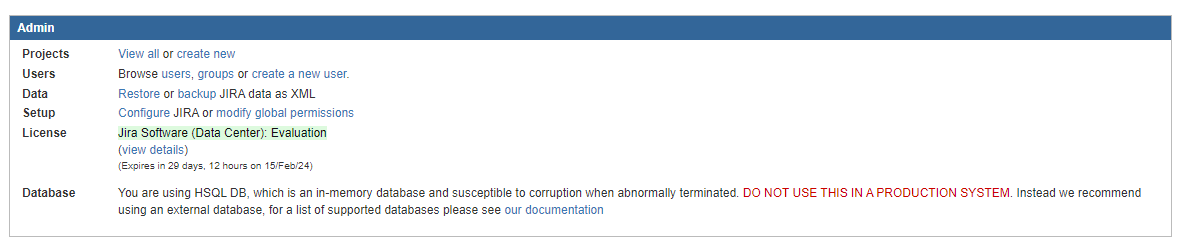
I managed to install Jira 4.1.1, a version released back in 2010, and surprisingly, the trial license for the Data Center version of Jira software still works!
Let’s start with the logo, which Mike Cannon-Brokes created in 2002, which was inspired by the sky-holding Greek titan Atlas, and the incredible example of legendary service and support that represents.

I found this site showing all Jira logos up to the one we are using today if you are interested: https://1000logos.net/jira-logo/
A Remarkable Difference in Size
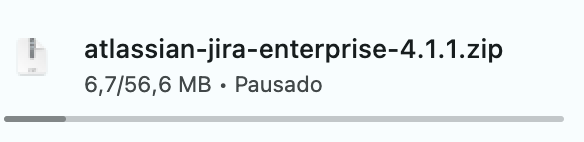
One of the most striking differences I noticed was the size of the installation files. Jira 4 is a mere 56MB download. This compact size is reflective of the simpler times when software was less complex and more straightforward.
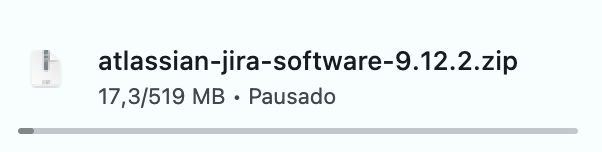
Fast forward to the present, the story is quite different. The latest Jira Software (version 9), stands at a substantial 520MB. This 10x increase in size is a testament to the evolution of Jira, encompassing a myriad of new features, enhancements, and integrations that have been added over the years.
This growth in size is not just a matter of more code or features. It represents the evolution of Jira from a simple issue tracking tool to a comprehensive project management suite, capable of handling complex workflows and integrations with a variety of other tools and platforms.
Simpler Times – The Issue Search
One of the first things I noticed was the layout of the basic search. Note that all fields are fixed on the screen, with pre-made date searches such as “Due After,” “Due Before,” and a separate section for custom fields.
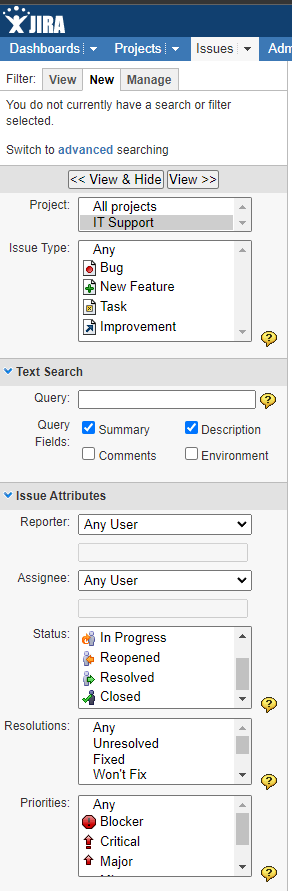 | 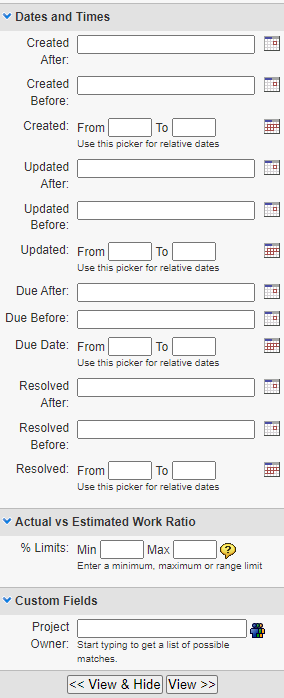 |
Another thing I noticed is a search history that I found useful when using the advanced search, despite not having commands like “was” or several other functions.
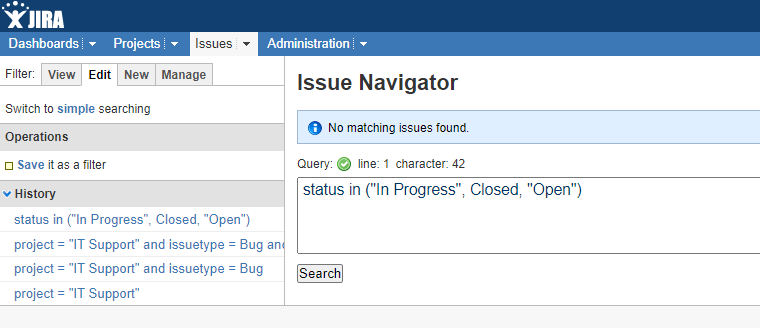
Issue Layout – Basic Yet Functional
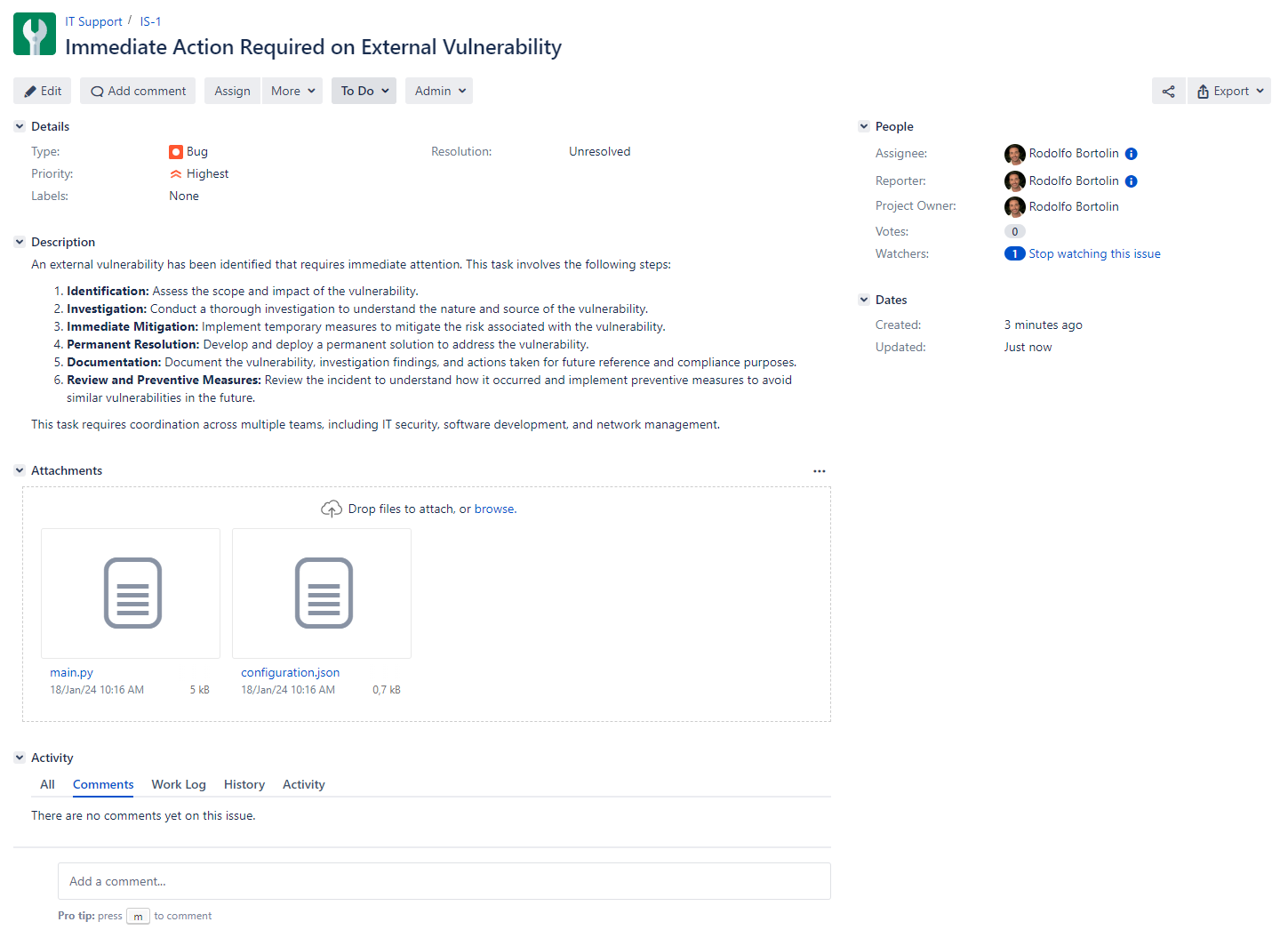
Compared to the Data Center version, the layout is very similar. It lacks shortcuts, user images, thumbnails, as well as rich text for comments and descriptions, and admin tools.
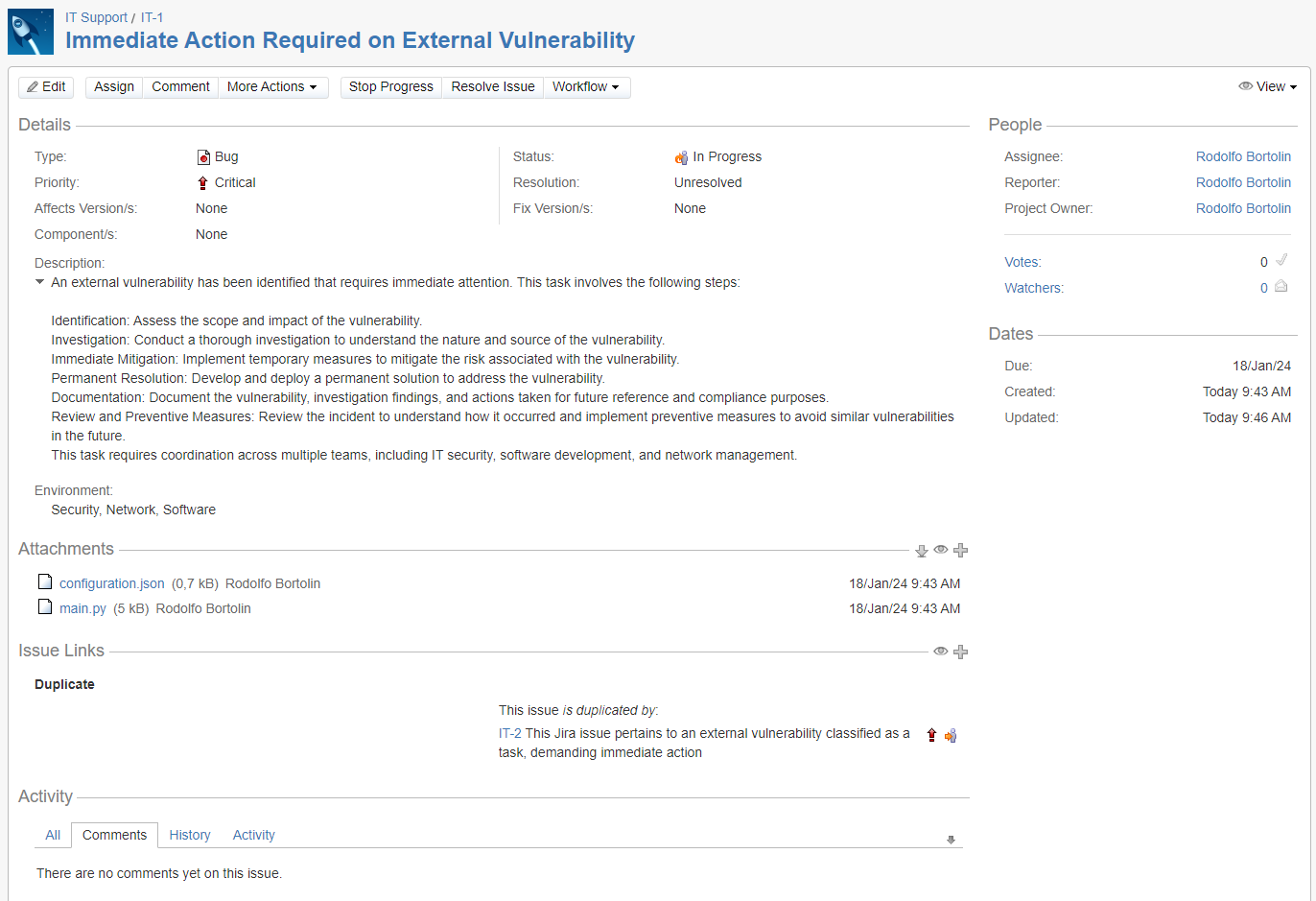
Workflow Design – The Evolution
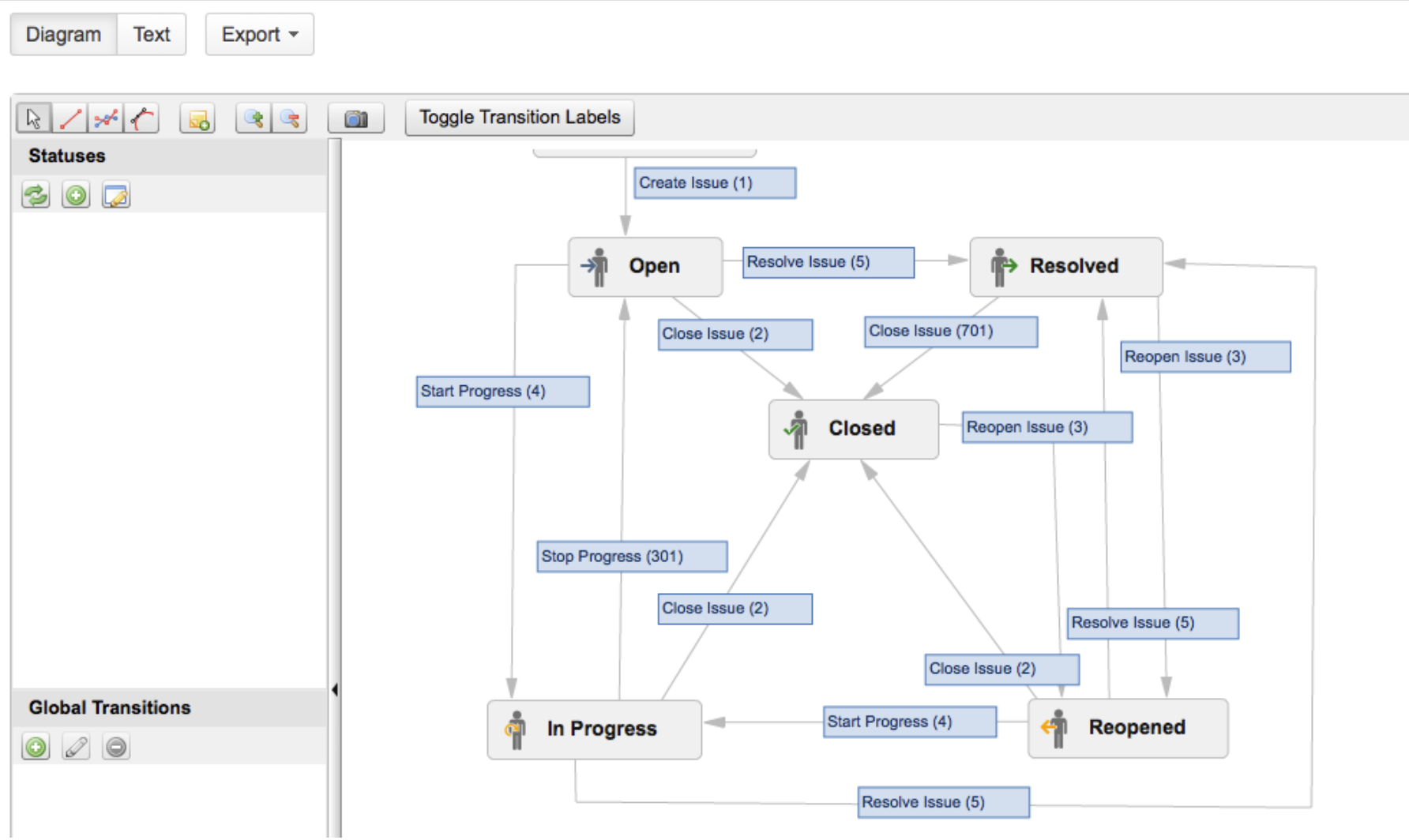
The workflow design in this version is primitive, relying entirely on what is now known as “text mode.” This one changed a few times until we got to the place we are now.
Who remembers this one?
Dashboards – Consistency Over Time
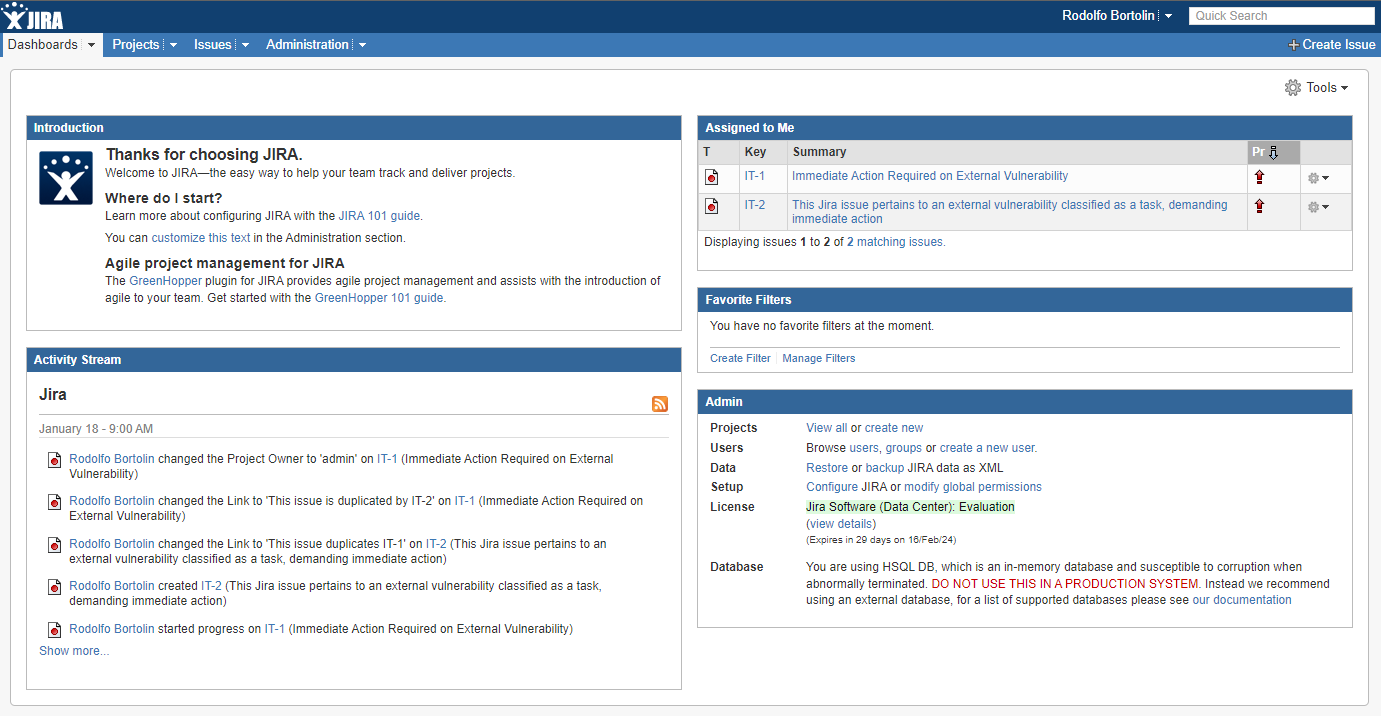
Interestingly, the dashboards haven’t changed much. It’s surprising to see such consistency over the years, though an update wouldn’t have hurt, Atlassian!
Project Schemes – Unchanged but Outdated
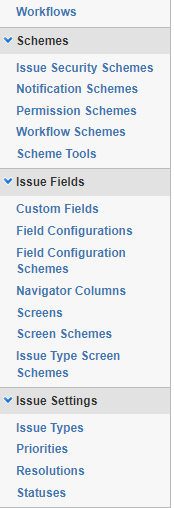
The core of project schemes has remained largely the same, but visually, it feels quite outdated compared to today’s standards.
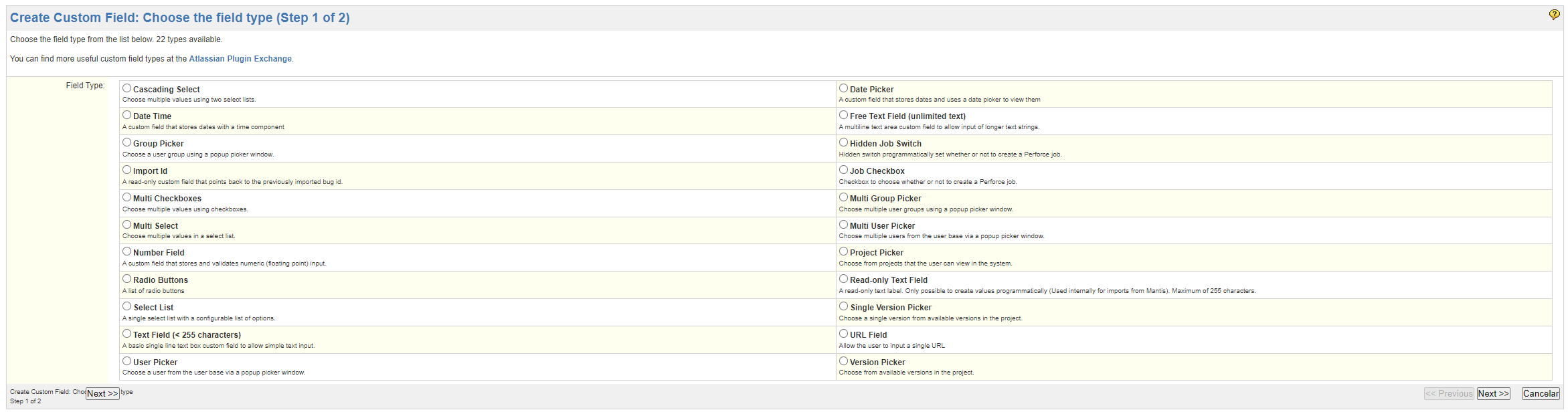
Custom Fields – Compact and Practical
I found the custom fields page particularly interesting. Everything fits on one page, which seems more practical than the current version, although of course, outdated.
Conclusion
It’s incredible to see how much the software has evolved, improving and adapting to the changing needs of project management.
For those who, like me, find joy in exploring old software versions, here’s the link to download these older versions:
Or if you prefer, here’s the link for you to check out the Jira Release Notes since version 2.6!
 Atlassian Expert Tips
That’s quite interesting. And the links are handy, thank you. I smiled at all the logos
LikeLiked by 1 person